The ultimate queue system

Trusted by top FiveM communities

Supercharge Your Features
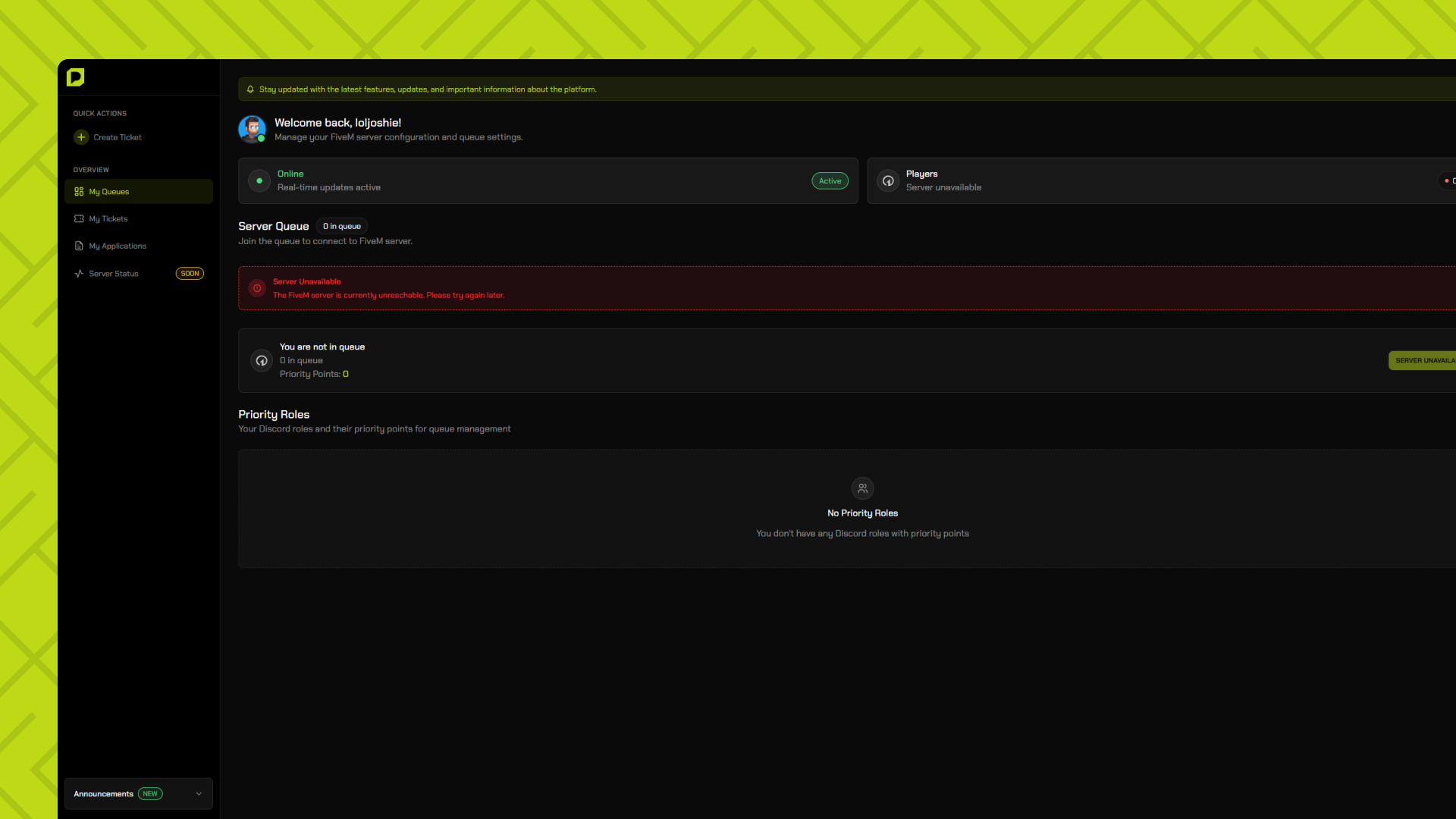
Fair & Transparent Queue System
Players join a first-come, first-served queue with real-time position tracking. No cutting in line—everyone gets a fair chance to join your server when slots open up.
Real-time position tracking
See your exact position in the queue at all times
Fair first-come, first-served system
No cutting in line—everyone gets equal treatment
Automatic slot management
Seamlessly join when a slot becomes available
Fair & Transparent Queue System
Players join a first-come, first-served queue with real-time position tracking. No cutting in line—everyone gets a fair chance to join your server when slots open up.
Seamless Discord Notifications
Players receive instant Discord DMs when their turn approaches, when they're next in line, or if they miss their spot. Keep your community engaged even when they're away.
VIP & Donor Priority Access
Reward your supporters with priority queue positions. Configure multiple priority tiers for VIPs, donors, and staff members to skip ahead fairly.
Live Server & Queue Analytics
Monitor your server's queue status, player count, average wait times, and peak hours. Make data-driven decisions to optimize your server capacity and player experience.
Streamlined Player Applications
Manage player applications with a comprehensive system. Review, approve, or deny applications with custom forms, automated workflows, and detailed player profiles.
Brand Your Queue Experience
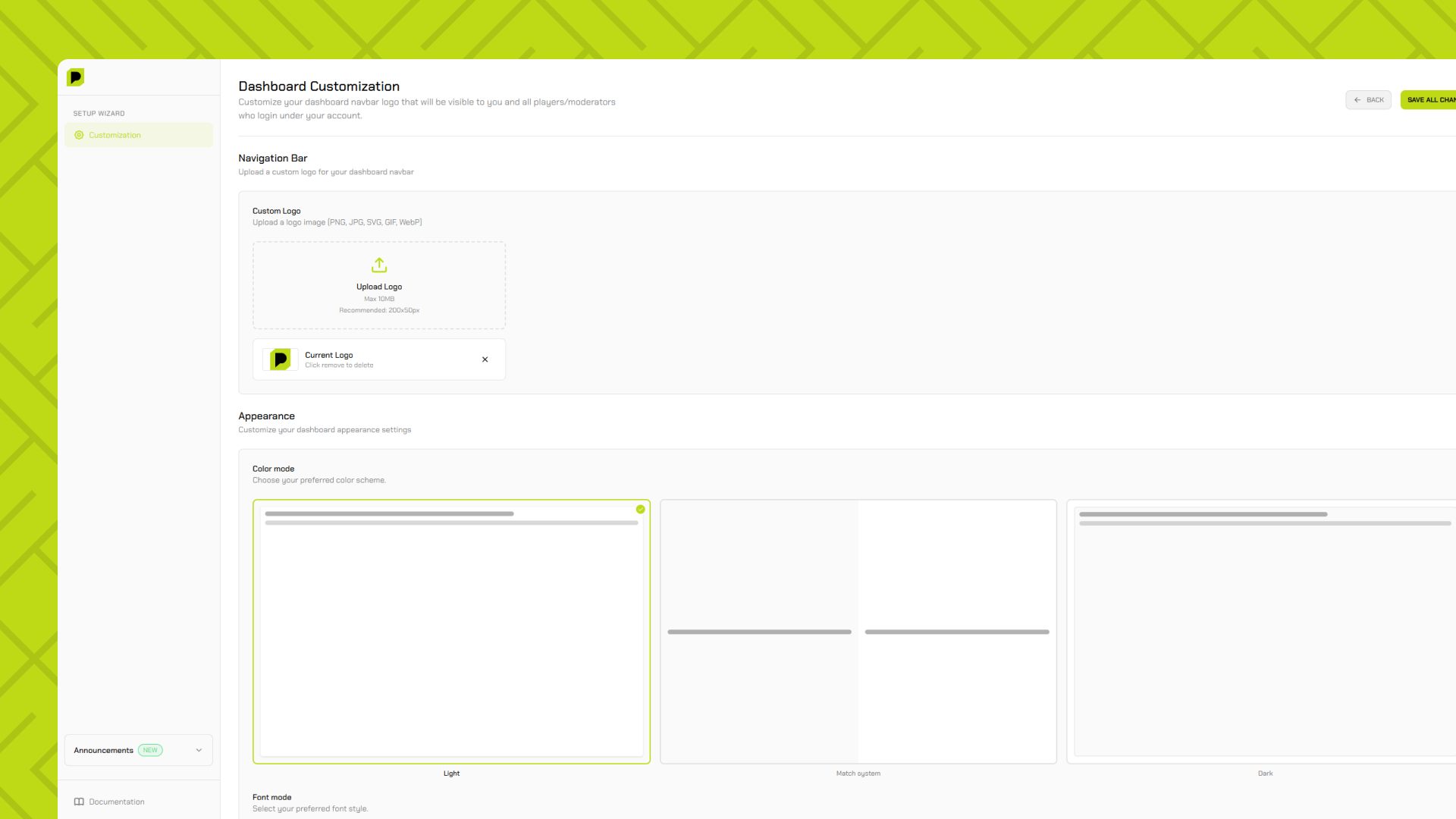
Create a fully customized landing page with your branding, colors, logos, and content. Use custom domains to give players a seamless, professional experience.
Powerful Moderation Dashboard
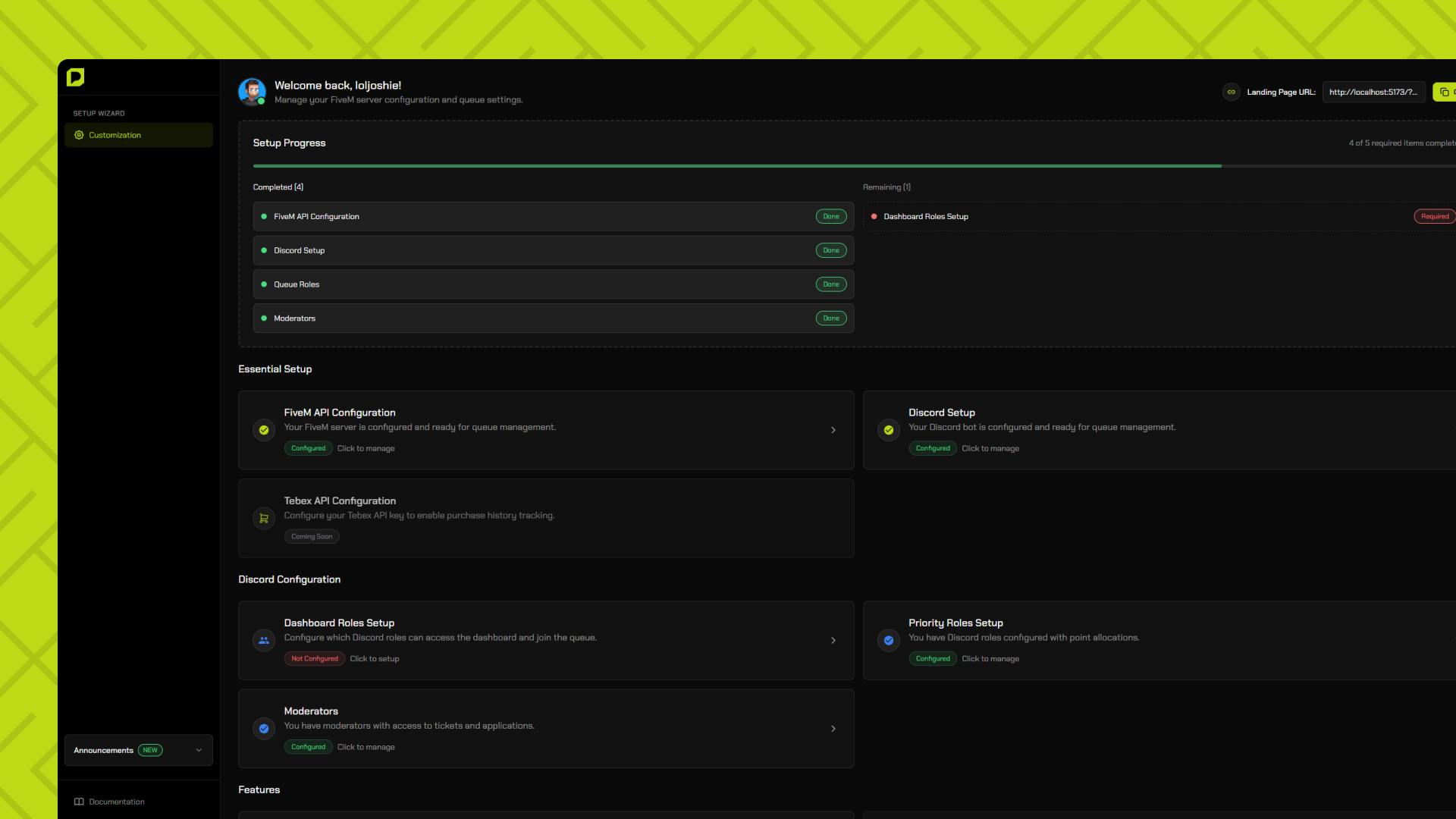
Equip your staff with comprehensive moderation tools. Manage queue positions, handle player issues, review applications, and maintain server order from one central dashboard.
Track Player Activity & History
View detailed player statistics including queue join history, playtime, application status, and more. Help players understand their standing and reward active community members.
Active Players
Servers
Uptime
Support
Got Questions?
Everything you need to know about joining and playing on our server. Can't find what you're looking for?
Getting Started
The queue system ensures fair access to the server. Players join the queue and are granted access based on their priority points, which are determined by their Discord roles. Higher priority roles get faster access.
Priority points are assigned to Discord roles. Roles with more points get higher priority in the queue. You can check your role's priority in the dashboard.
Bypass access is granted to specific Discord roles designated by server administrators. These roles skip the queue entirely and get instant access.
Yes! Once you join the queue, you can see your current position in real-time through the dashboard.
If you disconnect, you'll need to rejoin the queue. However, if you were already granted access and disconnect, you may have a grace period to reconnect.
You can report issues through our Discord server or by contacting staff members directly. We take all reports seriously and will investigate promptly.
Account Setup
You can create an account by clicking the Login button and signing in with your Discord account. This will automatically create your account and link it to your Discord profile.
Account verification happens automatically when you sign in with Discord. Your account is verified once you successfully authenticate through Discord OAuth.
Your Discord account is automatically linked when you sign in using the Discord OAuth option. You can manage your linked accounts in your profile settings.